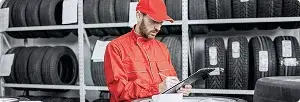





What your floor team gets
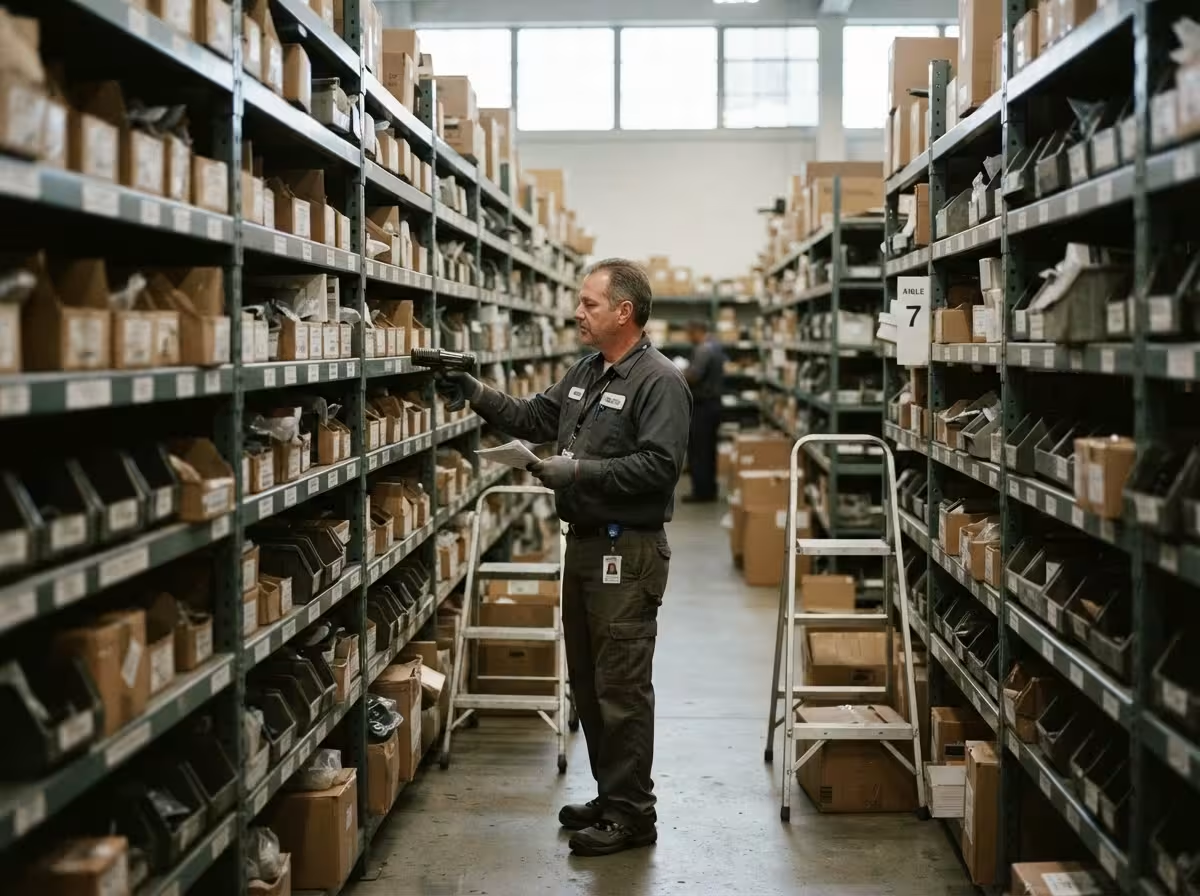
- Receive and scan where the delivery lands — no trip back to the terminal.
- Unrecognized barcodes mapped on the spot, not set aside for later.
- Bin locations and VIN scans in the same handheld.

TireWorks® HD Mobile
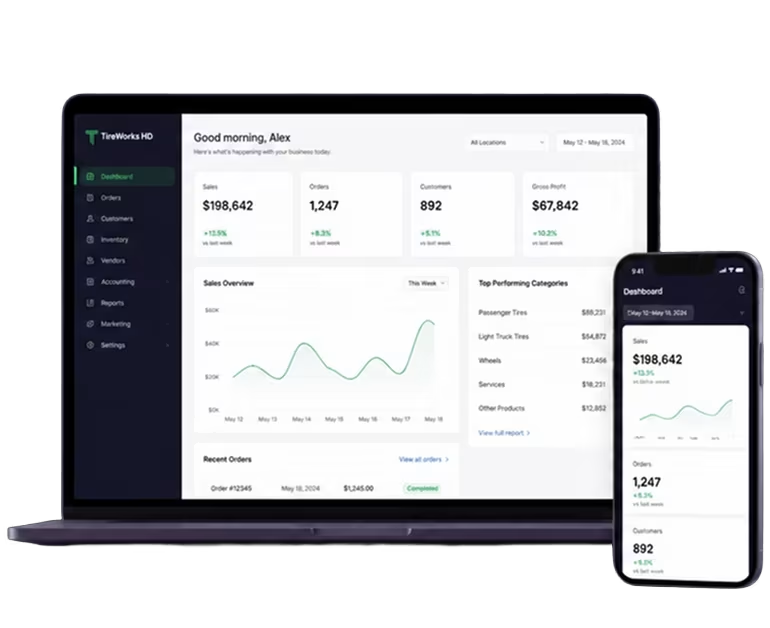
Scan a barcode or manufacturer number to pull up a line item on an open receipt, enter quantity received on the spot, and fully received receipts drop off the list automatically.
Map an unrecognized barcode to the correct item the moment it scans wrong — the same tool on both Retail and Wholesale Mobile.
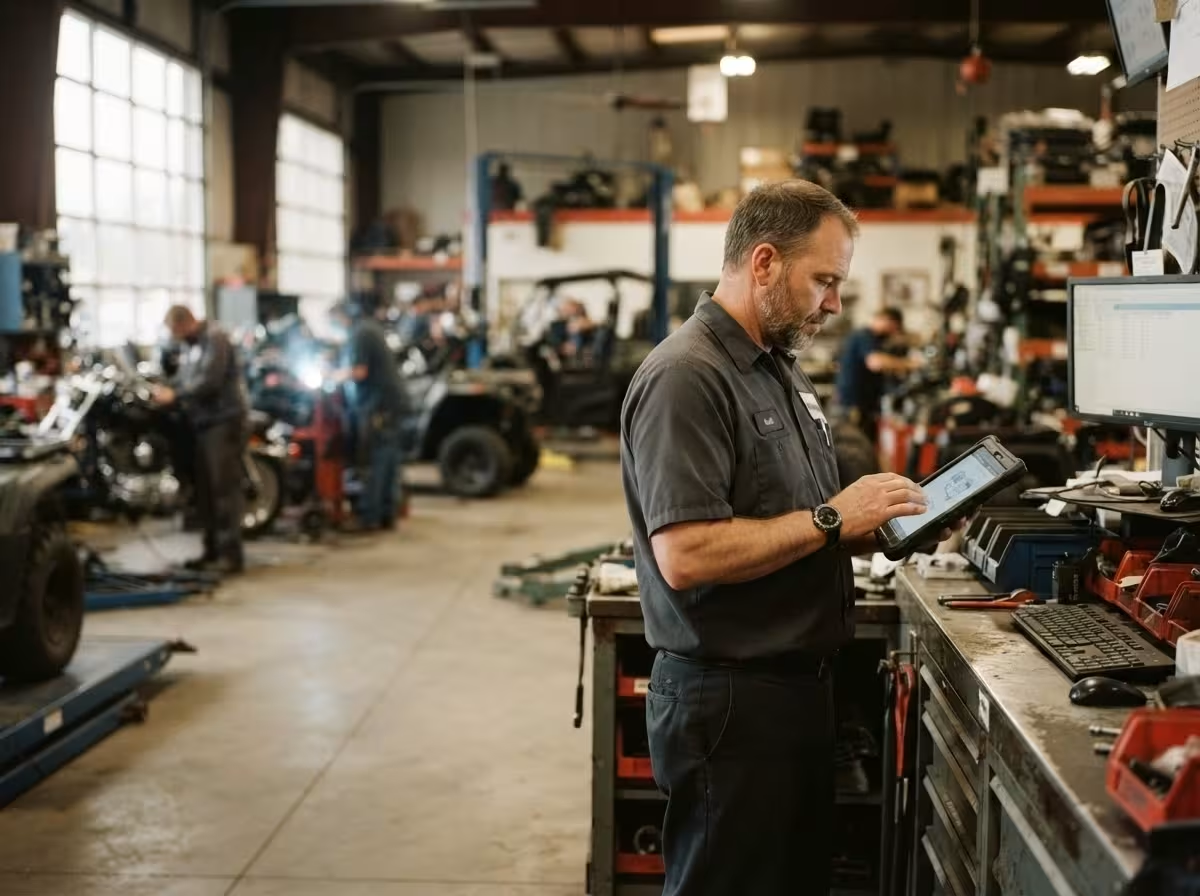
Look up exactly where a scanned item is stored, and read a vehicle's VIN barcode straight into the work order.
Capture a customer's signature on the delivery invoice and email a signed copy on the spot — live today on Wholesale Mobile, rolling out to Retail.
Same app, same database, with per-user and per-location access rights controlling what each person sees.
