


TireWorks® HD Mobile

Receive it, scan it, sign for it — without a trip back to the terminal. 

Barcode scanning, inventory receiving, and delivery sign-off in the hands of whoever's standing closest to the work — on the same TireWorks® HD data your counter and back office already trust.


about-img (1)

One handheld tool, running on the same data as your counter. 

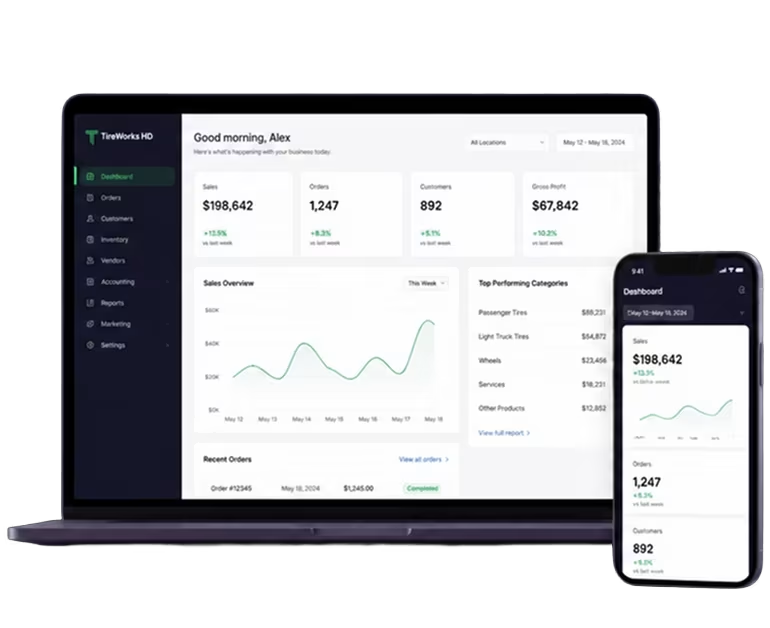
TireWorks® HD Mobile isn't a separate system to maintain — it's the same TireWorks® HD database, opened from a phone, tablet, or handheld scanner instead of a desktop. Every scan posts straight in, in real time, with no batch upload and no re-entry.

Every scan goes straight into TireWorks® HD.

Receiving, bin lookups, and delivery sign-off from the handheld, posted to the same database your counter uses.

Receiving

Scan a barcode, enter the quantity received, and the open receipt updates on the spot.

Bin & VIN

Find exactly where an item is stored, and scan a VIN straight into the work order.

Delivery

Capture the customer's signature on the delivery invoice and email a signed copy before you leave.

Inventory Receiving

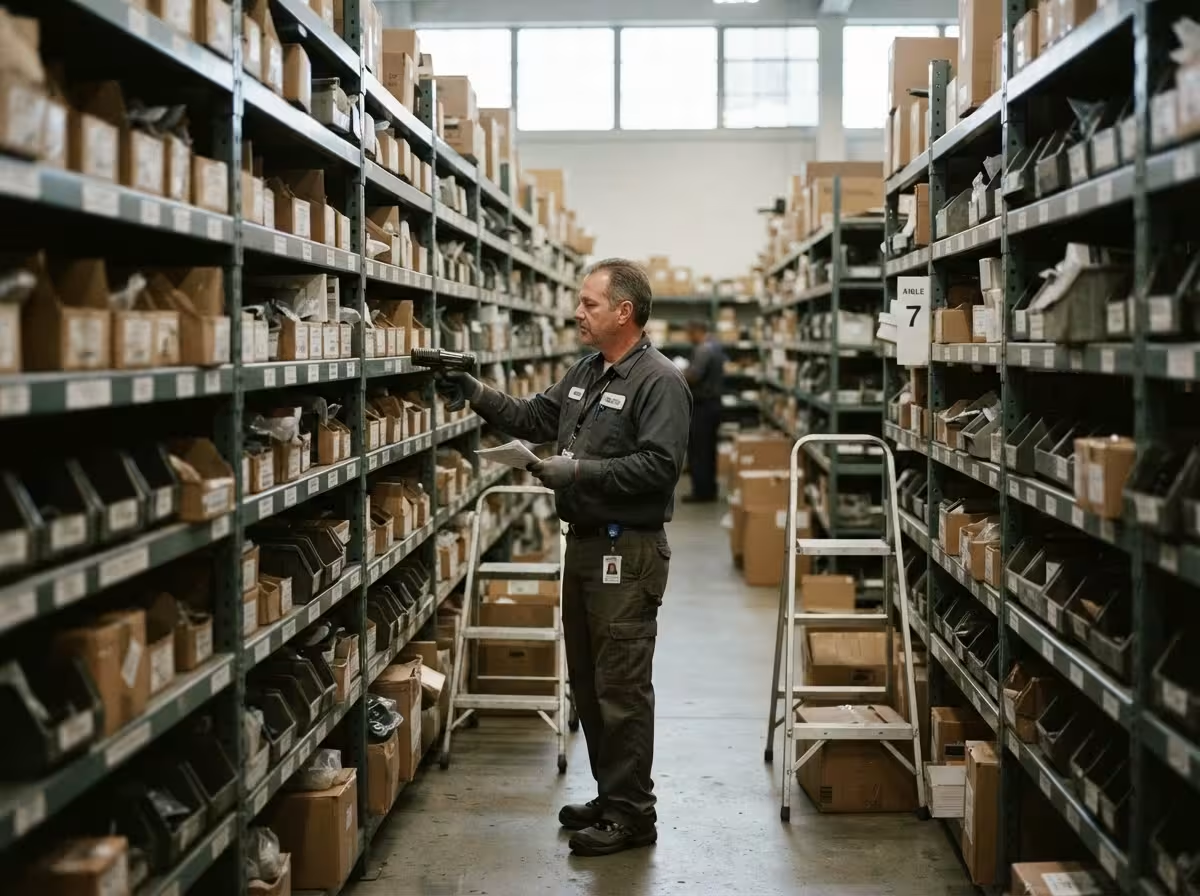
Scan a barcode or manufacturer number to pull up a line item on an open receipt, enter quantity received on the spot, and fully received receipts drop off the list automatically.

imag2 (1)

EAN/UPC Mapping

Map an unrecognized barcode to the correct item the moment it scans wrong — the same tool on both Retail and Wholesale Mobile. 

imag3 (1)

Bin Management & VIN Scan

Look up exactly where a scanned item is stored, and read a vehicle's VIN barcode straight into the work order. 

imag1 (1)

Delivery Signature Capture

Capture a customer's signature on the delivery invoice and email a signed copy on the spot — live today on Wholesale Mobile, rolling out to Retail. 

imag1 (1)

Retail, Wholesale, or Both

Same app, same database, with per-user and per-location access rights controlling what each person sees. 

imag2 (1)
group 1

What your floor team gets

  • Receive and scan where the delivery lands — no trip back to the terminal.
  • Unrecognized barcodes mapped on the spot, not set aside for later.
  • Bin locations and VIN scans in the same handheld.

briefcase (1) 1

What your back office gets

  • Every scan posts to TireWorks® HD in real time — no batch upload, no re-entry.
  • Signed delivery invoices emailed on the spot, on record if questions come up.
  • Per-user and per-location access rights that control who sees what.

See what TireWorks® HD Mobile could do on your floor. 

Schedule a 30-minute demo and we'll walk through receiving, scanning, and delivery sign-off — on your workflow, not a generic script.